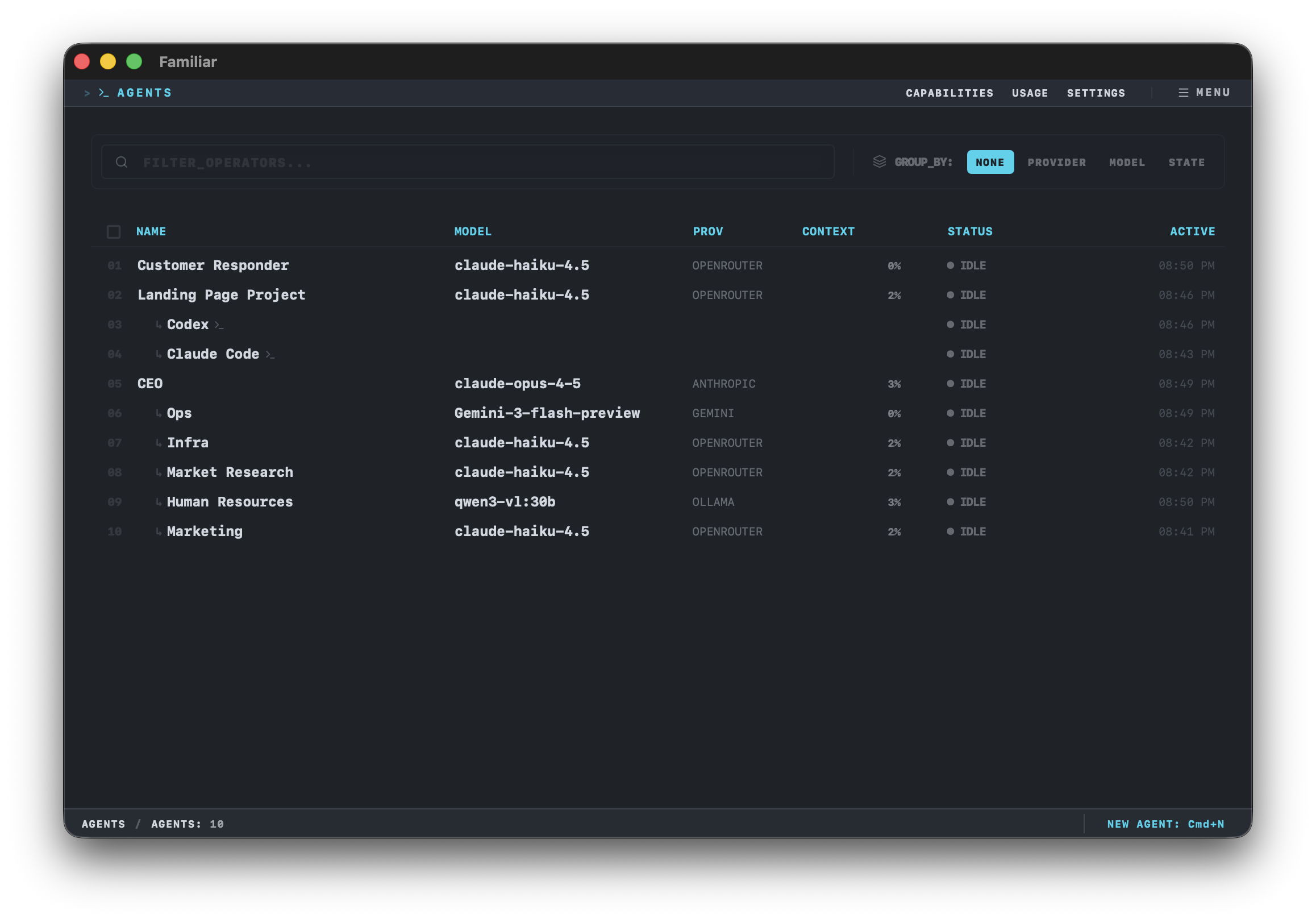
Fleet dashboard showing agent fleet management

The Problem

Coding Agents Are a Superpower Developers use tools like Claude Code, Cursor, and Codex to automate their work. These agents read files, execute commands, browse the web, and work autonomously. They're transforming productivity.
But Only If You Can Code Everyone else is stuck with chatbots that forget everything and can't actually do anything.

The Solution

Fleet brings that same power to your Mac. Built for people who want agent capabilities without living in a terminal — full power, clean interface, macOS native.

Persistent Agents

Create agents that remember context and work towards your goals over time — not just single conversations.

Native Tools

Your agents can access your files, run commands, and interact with your system — with your permission.

Any Provider

Use OpenAI, Anthropic, Google, or run local models with Ollama. Switch anytime.

What Can Agents Actually Do?

Fleet agents have real capabilities:

• Access and read files in folders you approve
• Execute shell commands and scripts
• Browse the web and fetch information
• Make API calls to external services
• Work on schedules or in response to triggers
• Chain multiple actions together to complete complex tasks

All with your approval for risky operations, and full audit logs of every action.

How It Works
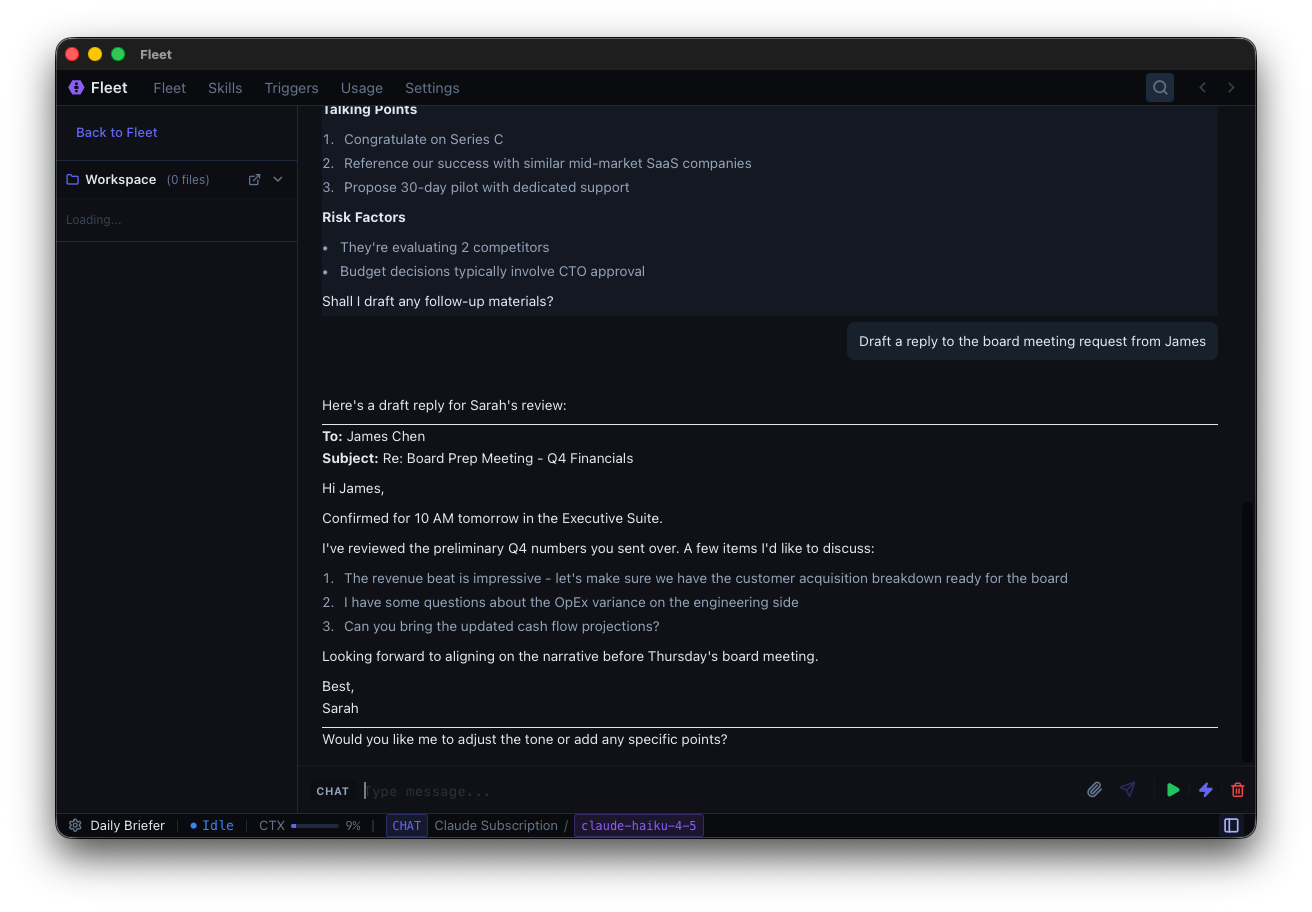
Create an Agent Give it a name and a goal. The agent creates a plan and gets to work.
Stay in Control Approve actions before they happen. See exactly what the agent is doing at all times.
Get Things Done Your agent runs locally, works in the background, and helps you accomplish what you set out to do.
Agent workspace showing conversation

Example Workflow

Let's say you want to monitor a project folder for new design files:

1. Create an agent: "When new PNG files appear in ~/Projects/DesignReview, resize them to 1200px width, convert to WebP format, and move to ~/Projects/Web/images/"
2. Approve access: The agent asks for approval to access those folders and execute the conversion commands.
3. You approve: The agent sets up a file watcher and waits.
4. Automatic processing: When new files appear, the agent processes them automatically — you can review the actions in the log, or pause/modify the workflow anytime.

That's it. No scripting, no cron jobs, no complex automation tools.

Built Different

macOS Native

Built for Mac with native integrations. Runs in your menu bar, works with your system.

Local-First

Fleet runs on your machine. Your data never leaves unless you're calling an AI provider — and even then, you choose which one.

Fully Auditable

Every action your agent takes is logged. Full visibility into tool calls, decisions, and results.

Human-in-the-Loop

Risky actions require your approval. You're always in control of what the agent can do.
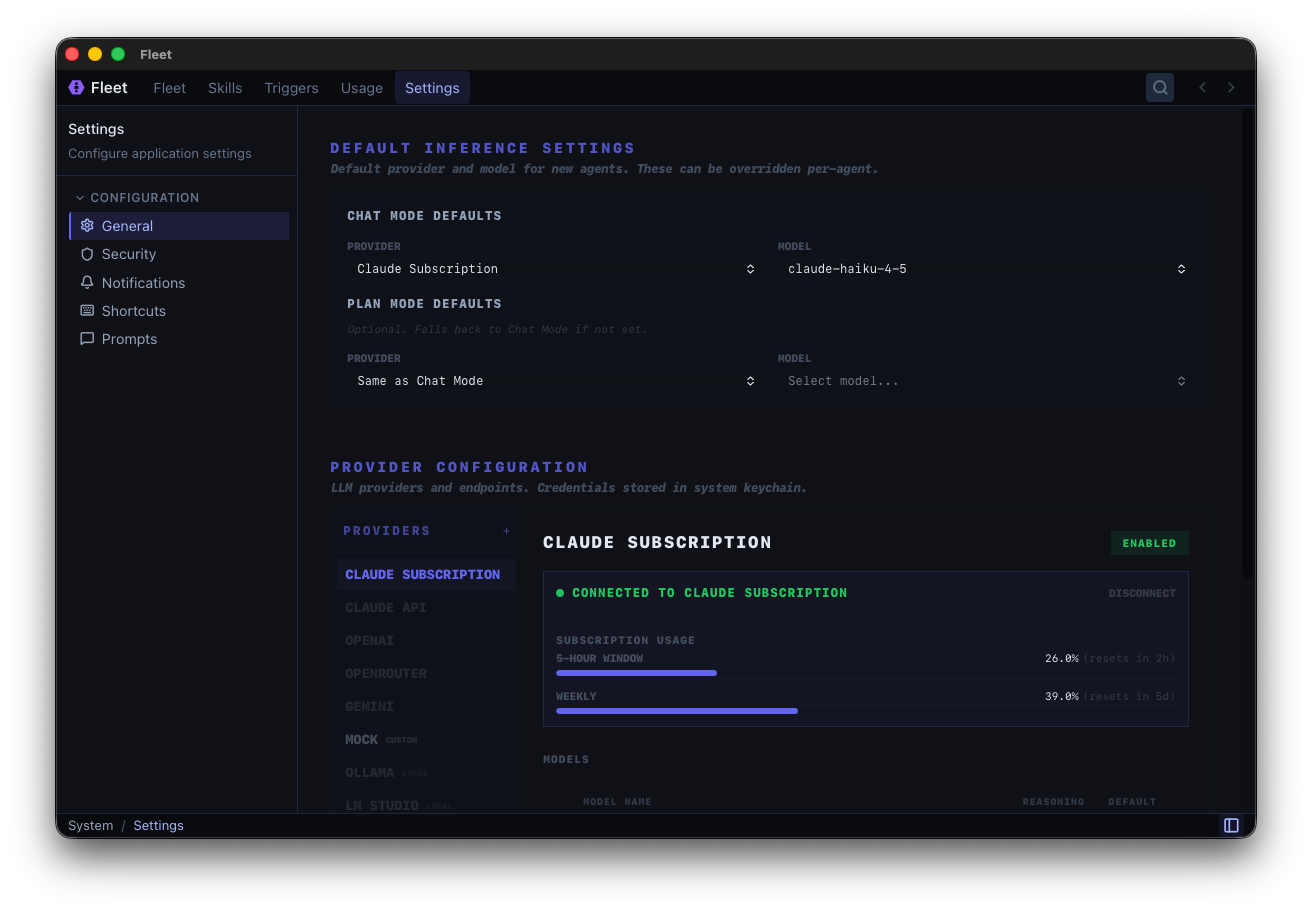
Fleet settings showing provider configuration

Get Early Access

Fleet is currently in development. Join the waitlist to be notified when it's ready.

Be the first to know when we launch.